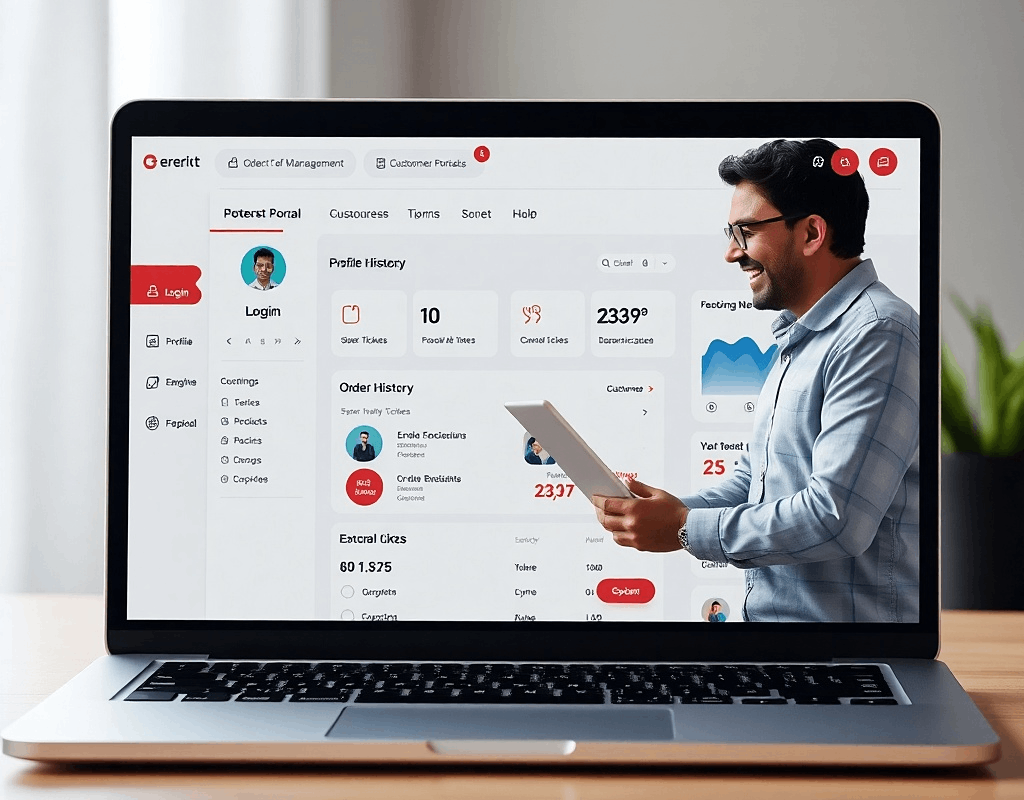
In today’s digital-first world, customers expect more than just products or services—they want visibility, control, and seamless communication. This is where customer portal software comes in.
A customer portal is a secure, login-based platform where users can access personalized information, track activities, and interact with your business—all in one place. Whether it’s monitoring an order, managing subscriptions, or raising a support request, portals simplify the entire customer experience.
Let’s break down how these systems work and where they add real value.
What is Customer Portal Software?
Customer portal software is a web or mobile interface that allows customers to log in and manage their interactions with your business.
Instead of calling support or sending emails, users can:
- Track orders or deliveries
- View invoices and payment history
- Manage subscriptions
- Submit and track support tickets
- Access documents or reports
Think of it as a self-service dashboard tailored to each customer.
Key Features of a Customer Portal
1. Secure Login and User Dashboard
Each user gets a unique login to access their personalized dashboard. This dashboard displays relevant data such as recent orders, active services, or open tickets.
Example:
An eCommerce customer logs in to see:
- Order status (Processing, Shipped, Delivered)
- Estimated delivery date
- Invoice download
2. Order and Service Tracking
One of the most common uses of customer portals is real-time tracking.
Example:
A logistics company provides a portal where customers can:
- Track shipments on a map
- View delivery timelines
- Download shipping documents
This reduces customer support queries and improves transparency.
3. Subscription Management
For SaaS and subscription-based businesses, portals are essential.
Example:
A SaaS platform allows users to:
- Upgrade or downgrade plans
- View billing cycles
- Update payment methods
- Cancel or renew subscriptions
Customers get control without needing to contact support.
4. Support Ticket System
Customer portals often include built-in helpdesk functionality.
Example:
A software company offers a portal where users can:
- Raise a support ticket
- Attach files or screenshots
- Track ticket status (Open, In Progress, Resolved)
- Chat with support teams
This creates a structured support experience and improves response efficiency.
5. Document and Resource Access
Businesses can share important files directly through the portal.
Example:
A real estate company provides buyers with:
- Property documents
- Payment receipts
- Legal agreements
All securely stored and accessible anytime.
6. Notifications and Updates
Portals can send alerts via email or in-app notifications.
Example:
A customer receives updates when:
- An order is shipped
- A ticket is resolved
- A subscription is about to renew
This keeps users informed without manual follow-ups.
Benefits of Customer Portal Software
✔ Improved Customer Experience
Customers get instant access to information without waiting for responses.
✔ Reduced Support Workload
Self-service features reduce repetitive queries and support tickets.
✔ Better Transparency
Real-time updates build trust and reduce uncertainty.
✔ Centralized Communication
All interactions—from orders to support—are managed in one place.
✔ Scalability
As your business grows, a portal can handle increasing customer interactions efficiently.
Real-World Use Cases
eCommerce Platforms
Customers log in to track orders, download invoices, and manage returns.
SaaS Products
Users manage subscriptions, access usage reports, and contact support.
Logistics & Supply Chain
Clients track shipments, view delivery status, and manage documentation.
Healthcare Systems
Patients book appointments, access reports, and communicate with providers.
Education Platforms
Students access courses, assignments, and progress reports.
What Goes Into Building a Customer Portal?
A well-designed customer portal isn’t just about a login page—it requires thoughtful planning and the right technology stack.
Key components include:
- Secure authentication systems
- Scalable backend architecture
- User-friendly dashboards
- Integration with CRM, ERP, or payment systems
- Real-time data handling
The goal is to create a seamless, reliable, and secure experience for users.
Thinking of Launching a Platform Like This?
If you’re considering building a customer portal, you’re essentially creating a digital product that directly impacts user experience and business efficiency.
Turnkey Infotech helps startups and businesses design and develop scalable digital solutions—from idea to launch. Whether you’re planning a customer portal, SaaS product, or marketplace, having the right architecture and development approach is critical to long-term success.
They can help you build:
- Websites
- Ecommerce platforms
- Mobile apps
- SaaS platforms
- Marketplace platforms
- Custom software solutions
If you have an idea or want to explore how a platform like this could work for your business, it’s worth having a conversation. You can request a free demo or book a consultation to understand the possibilities and next steps.
Ready to get started? Book a Free Consultation today.