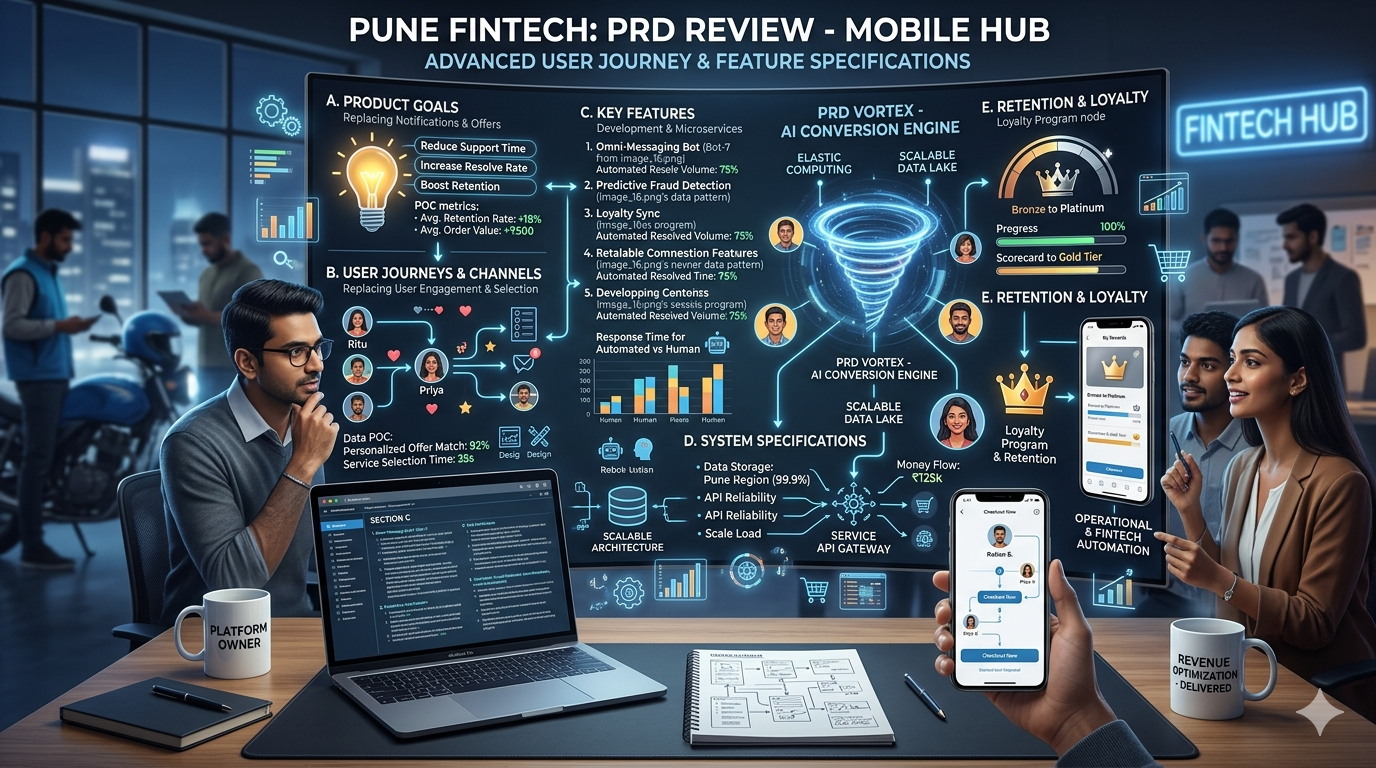
In the world of software development, clarity is everything. Without a clear understanding of what needs to be built, teams can easily lose direction, waste resources, or deliver products that don’t meet user needs. This is where a product requirement document (PRD) becomes essential.
A PRD acts as a single source of truth that outlines what a product should do, who it’s for, and how it should function. Whether you’re building a mobile app, SaaS platform, or enterprise system, a well-crafted PRD aligns stakeholders, developers, and designers toward a shared vision.
What Is a Product Requirement Document (PRD)?
A product requirement document is a detailed document that defines the features, functionality, and purpose of a product before development begins. It bridges the gap between business goals and technical execution.
Think of it as a blueprint—it doesn’t just describe the end product, but also explains how and why it should be built.
Why Is a PRD Important?
1. Aligns Teams and Stakeholders
A PRD ensures everyone—from founders and product managers to developers and designers—is on the same page. It reduces ambiguity and prevents miscommunication.
2. Defines Clear Scope
Without a defined scope, projects can suffer from “feature creep.” A PRD outlines what’s included (and what’s not), helping teams stay focused.
3. Improves Development Efficiency
When developers have clear requirements, they spend less time guessing and more time building. This speeds up delivery and reduces rework.
4. Enhances Product Quality
By documenting workflows, user needs, and system features upfront, teams can anticipate edge cases and design better solutions.
5. Supports Better Decision-Making
A PRD provides a structured reference point, making it easier to prioritize features and make trade-offs during development.
Key Sections of a Product Requirement Document
A strong product requirement document typically includes several structured sections. Here are some important ones:
1. User Roles
This section defines who will use the product and what permissions they have.
Example:
- Admin: Manages users, oversees platform operations, accesses analytics.
- Registered User: Can create profiles, interact with features, and perform core actions.
- Guest User: Limited access, can browse but not perform key actions.
Clearly defining user roles helps ensure the system is designed with proper access control and user experiences.
2. Workflows
Workflows describe how users interact with the system step-by-step. They help visualize user journeys and ensure smooth experiences.
Example: User Registration Workflow
- User clicks “Sign Up”
- Enters email and password
- Receives verification email
- Confirms account
- Redirected to dashboard
Workflows help teams identify friction points and ensure logical, user-friendly flows.
3. System Features
This section lists the core functionalities the product must include.
Example:
- User authentication (login/signup)
- Dashboard with analytics
- Search and filtering system
- Notification system (email/push)
- Payment integration
Each feature should ideally include:
- Description
- Priority level
- Acceptance criteria
4. Functional Requirements
These define what the system should do.
Example:
- The system must allow users to reset passwords via email.
- The platform should support real-time notifications.
5. Non-Functional Requirements
These focus on performance and quality attributes.
Example:
- The system should handle 10,000 concurrent users.
- Page load time should be under 2 seconds.
- Data must be encrypted and secure.
6. Success Metrics
Defines how success will be measured.
Example:
- User retention rate
- Conversion rate
- Daily active users (DAU)
Best Practices for Writing a PRD
- Keep it clear and concise
- Use visuals like diagrams and flowcharts
- Prioritize features (Must-have vs Nice-to-have)
- Collaborate with cross-functional teams
- Update the PRD as the product evolves
Conclusion
A well-written product requirement document is more than just documentation—it’s a strategic tool that guides your product from idea to execution. It reduces confusion, improves collaboration, and significantly increases the chances of building a successful product.
Whether you’re a startup founder or part of a growing tech team, investing time in creating a strong PRD can save countless hours (and costs) down the road.
Thinking of Launching a Platform Like This?
If you’re exploring an idea for a digital product, having the right technical foundation is just as important as the idea itself. Turnkey Infotech helps startups and businesses design and build scalable digital solutions—from concept to launch.
Building platforms like these requires thoughtful architecture, the right tech stack, and experienced development teams to bring everything together seamlessly.
Here’s what Turnkey Infotech can help you build:
- Websites
- Ecommerce platforms
- Mobile apps
- SaaS platforms
- Marketplace platforms
- Custom software solutions
Whether you’re validating an idea or ready to start development, getting expert input early can make a huge difference.
Book a Free Consultation or Request a Free Demo to explore how your idea can be turned into a powerful, scalable platform.