In today’s competitive and customer-driven marketplace, businesses are no longer judged solely by their products or services—they are evaluated by the quality of their customer relationships. Whether you’re a startup, a growing service provider, or an established ecommerce brand, managing customer interactions efficiently can be the difference between scaling successfully and falling behind.
This is where CRM software for business becomes essential.
Customer Relationship Management (CRM) software helps businesses organize, track, and nurture customer relationships in a structured and data-driven way. From managing leads to automating follow-ups and improving sales pipelines, CRM systems play a central role in modern business operations.
In this guide, we’ll explore what CRM software is, how businesses use it, and why it has become a must-have tool for growth-focused companies.
What is CRM Software?
CRM software (Customer Relationship Management software) is a digital system designed to help businesses manage interactions with current and potential customers. It centralizes customer data, tracks communication, and streamlines sales and marketing processes.
At its core, a CRM acts as a single source of truth for all customer-related information, including:
- Contact details
- Communication history (calls, emails, messages)
- Purchase or service history
- Sales pipeline stages
- Follow-up reminders
- Customer preferences
Instead of relying on spreadsheets, emails, or scattered tools, businesses use CRM software to keep everything organized in one place.
Why CRM Software is Important for Businesses
Modern businesses deal with hundreds or thousands of customer interactions across multiple channels—email, phone, social media, websites, and more. Without a CRM system, this information becomes fragmented and difficult to manage.
CRM software helps businesses:
- Improve customer relationships
- Increase sales efficiency
- Reduce manual work
- Make data-driven decisions
- Deliver better customer experiences
For growing businesses, especially, CRM systems provide the structure needed to scale operations without losing control.
How Businesses Use CRM Software
CRM systems are not just for storing contacts—they actively support multiple aspects of business operations. Let’s explore the key ways businesses use CRM software.
1. Lead Management
One of the primary uses of CRM software is managing leads—potential customers who have shown interest in your product or service.
CRM systems allow businesses to:
- Capture leads from websites, forms, and ads
- Automatically assign leads to sales representatives
- Track lead status (new, contacted, qualified, converted)
- Score leads based on engagement and behavior
Example (Service Business):
A digital marketing agency receives inquiries through its website. The CRM captures these leads, assigns them to sales executives, and tracks each interaction until conversion.
Example (Ecommerce):
An online store collects leads through abandoned cart forms or newsletter signups and stores them in the CRM for future targeting.
2. Customer Communication Management
Effective communication is the backbone of strong customer relationships. CRM software helps businesses track and manage every interaction with customers.
Features include:
- Email integration
- Call logging
- SMS and messaging tracking
- Conversation history
This ensures that no matter who interacts with the customer, they have full context.
Example (Service Business):
A real estate firm tracks every call, meeting, and email with potential buyers, ensuring personalized communication.
Example (Ecommerce):
Customer support teams use CRM tools to track queries, complaints, and resolutions, improving customer satisfaction.
3. Sales Pipeline Management
A sales pipeline represents the journey of a lead from initial contact to final conversion. CRM software provides a visual representation of this pipeline.
Businesses can:
- Track deals at different stages
- Monitor conversion rates
- Identify bottlenecks in the sales process
- Forecast revenue
Example (Service Business):
A consulting firm tracks leads through stages like inquiry → proposal → negotiation → closure.
Example (Ecommerce):
For high-ticket products, ecommerce brands use pipelines to track bulk orders, B2B inquiries, or repeat customers.
4. Follow-Ups and Task Automation
Following up with leads and customers at the right time is critical—but doing it manually is inefficient and error-prone.
CRM software automates this process by:
- Setting reminders for follow-ups
- Sending automated emails or messages
- Triggering workflows based on user actions
- Assigning tasks to team members
Example (Service Business):
A fitness center automatically sends follow-up emails to trial users who haven’t signed up.
Example (Ecommerce):
An online store sends automated reminders to customers who abandoned their carts.
5. Data Management and Insights
CRM systems collect valuable customer data that can be analyzed to improve decision-making.
Businesses can:
- Identify high-value customers
- Analyze buying patterns
- Track campaign performance
- Optimize sales strategies
This data-driven approach helps businesses refine their offerings and improve ROI.
CRM Software in Service-Based Businesses
Service businesses rely heavily on relationships and consistent communication. CRM systems help streamline these interactions and ensure no opportunity is missed.
Common Use Cases:
- Managing client inquiries and bookings
- Tracking ongoing projects
- Scheduling follow-ups and renewals
- Maintaining long-term client relationships
Example:
A legal firm uses CRM software to track client cases, schedule consultations, and manage communication history—all in one place.
Benefits for Service Businesses:
- Improved client retention
- Faster response times
- Better organization of client data
- Increased conversion rates
CRM Software in Ecommerce Businesses
Ecommerce businesses operate at scale and require automation to handle large volumes of customer data and transactions.
CRM systems help ecommerce brands:
- Track customer purchase behavior
- Segment customers for targeted marketing
- Automate email campaigns
- Manage support queries
Example:
An ecommerce brand uses CRM software to segment customers into categories like new buyers, repeat customers, and inactive users, then runs personalized campaigns for each group.
Benefits for Ecommerce Businesses:
- Personalized customer experiences
- Higher conversion rates
- Improved customer retention
- Efficient marketing automation
Understanding CRM Dashboards
One of the most powerful features of CRM software is the dashboard.
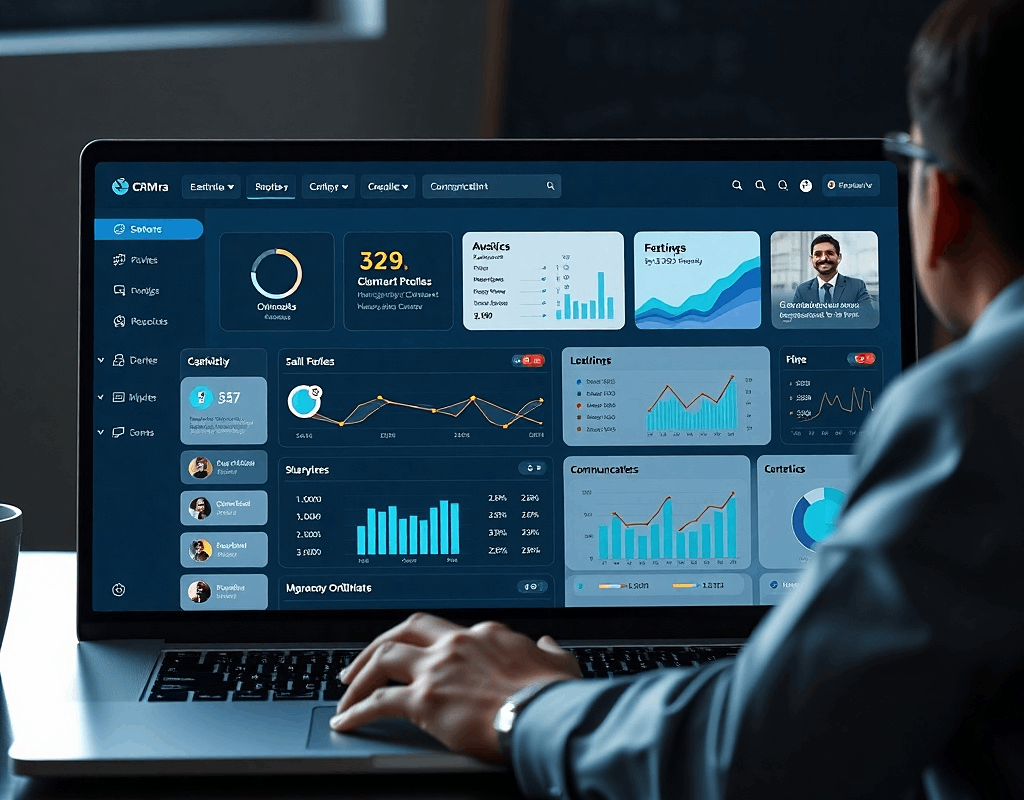
A CRM dashboard provides a visual overview of key business metrics, helping teams and managers make informed decisions quickly.
What Does a CRM Dashboard Include?
- Sales pipeline status
- Lead conversion rates
- Revenue forecasts
- Customer activity
- Team performance metrics
- Task and follow-up status
Instead of going through spreadsheets or reports, users can view everything in real time.
Why CRM Dashboards Matter
CRM dashboards turn raw data into actionable insights.
They help businesses:
- Monitor performance at a glance
- Identify trends and opportunities
- Track team productivity
- Make faster decisions
Example:
A sales manager can instantly see which deals are close to closing, which team members are performing well, and where additional effort is needed.
Benefits of CRM Software for Growing Businesses
As businesses grow, managing customer relationships becomes more complex. CRM software provides the structure and tools needed to scale efficiently.
1. Centralized Data
All customer information is stored in one place, making it easily accessible to teams.
2. Improved Collaboration
Sales, marketing, and support teams can work together seamlessly using shared data.
3. Increased Productivity
Automation reduces manual tasks, allowing teams to focus on high-value activities.
4. Better Customer Experience
With complete customer history available, businesses can deliver personalized and timely interactions.
5. Scalable Operations
CRM systems grow with your business, supporting increasing data and users without chaos.
6. Enhanced Sales Performance
With clear pipelines and data insights, sales teams can close deals more effectively.
Choosing the Right CRM Software for Your Business
Not all CRM systems are the same. Choosing the right one depends on your business needs, size, and industry.
Key Factors to Consider:
- Ease of use
- Customization options
- Integration with existing tools
- Automation capabilities
- Reporting and analytics features
- Scalability
Small businesses may start with simple CRM tools, while larger enterprises often require advanced, customizable platforms.
Common Challenges Without CRM Software
Businesses that don’t use CRM systems often face several challenges:
- Lost or forgotten leads
- Poor communication tracking
- Disorganized customer data
- Missed follow-ups
- Inefficient sales processes
These issues can directly impact revenue and customer satisfaction.
The Future of CRM Software
CRM software continues to evolve with new technologies like AI, automation, and predictive analytics.
Future trends include:
- AI-powered lead scoring
- Automated customer insights
- Chatbot integrations
- Advanced personalization
- Predictive sales forecasting
Businesses that adopt modern CRM systems gain a competitive edge by staying ahead of customer expectations.
Conclusion
CRM software for business is no longer optional—it’s a necessity for companies that want to grow, compete, and deliver exceptional customer experiences.
From managing leads and communication to optimizing sales pipelines and automating follow-ups, CRM systems empower businesses to operate more efficiently and strategically.
Whether you’re running a service-based company or an ecommerce brand, investing in the right CRM solution can significantly improve your operations, customer relationships, and overall growth trajectory.
Thinking of Launching a Platform Like This?
If you’re inspired by how CRM platforms streamline business operations, you might be thinking about building a similar digital product of your own.
Turnkey Infotech helps businesses and startups design and develop powerful digital solutions—from concept to launch. Building platforms like CRM systems requires the right technology architecture, scalable backend systems, and intuitive user experiences.
Here’s what we can help you build:
- Websites
- Ecommerce platforms
- Mobile apps
- SaaS platforms
- Marketplace platforms
- Custom business software
If you have an idea for a CRM, SaaS tool, or any digital platform, it’s worth exploring how it can be brought to life with the right strategy and development approach.
Let’s talk about your idea.
Request a Free Demo or Book a Free Consultation to see how your platform can be designed, built, and scaled successfully.