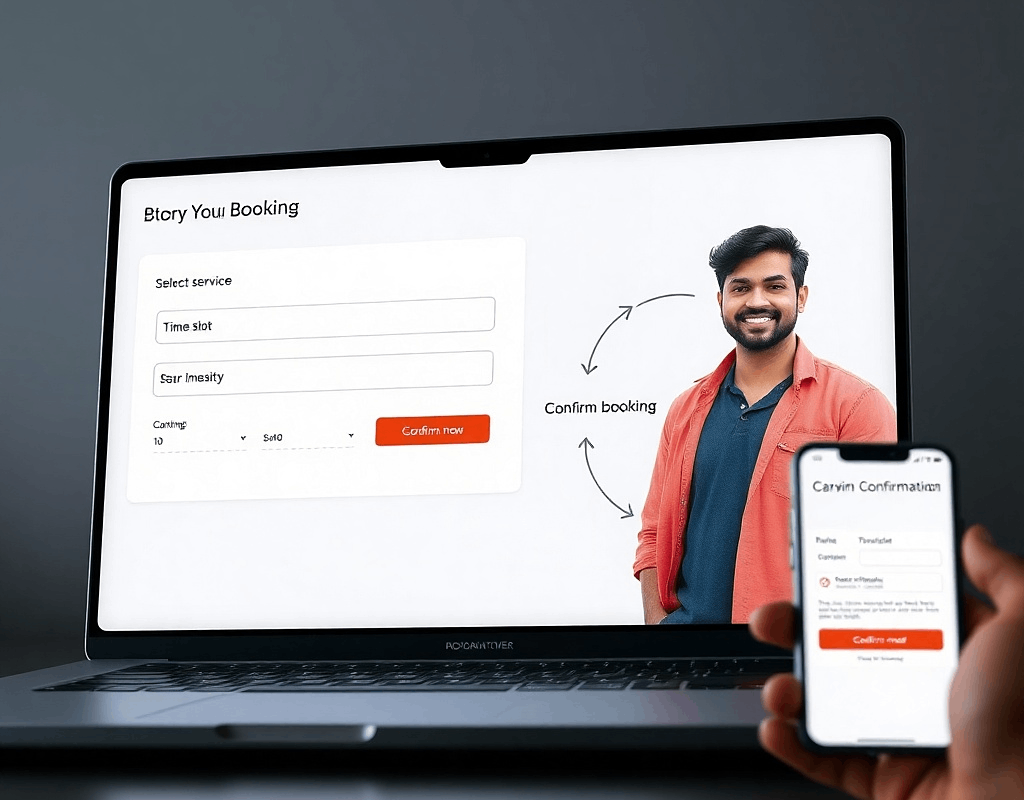
Modern businesses are moving away from manual appointment management and adopting digital booking systems. Whether it’s a salon, medical clinic, gym, consultancy firm, or service provider, an online booking system helps streamline scheduling, reduce administrative work, and improve customer experience.
But how do these systems actually work behind the scenes?
In this guide, we’ll break down the key components of a booking system and explain how everything works together—from the customer interface to the admin dashboard, notifications, and scheduling engine.
1. Customer Interface: Where Bookings Begin
The customer interface is the part of the system that clients interact with. This is usually available through:
- A website booking page
- A mobile app
- An embedded widget on a business website
- A booking link shared via email or social media
Typical Customer Booking Flow
- Select Service
Customers choose the service they want (e.g., haircut, consultation, training session). - Choose Staff or Provider (Optional)
Some systems allow customers to select a preferred staff member. - Pick Date and Time
The system shows available slots based on staff schedules and availability. - Enter Contact Details
Customers provide their name, phone number, and email. - Confirm Appointment
The booking is saved and confirmation is sent instantly.
A well-designed booking interface makes this process simple and fast—often taking less than a minute to complete.
2. Scheduling Engine: The Brain of the System
At the core of every booking platform is the scheduling engine. This component manages time slots, availability, and appointment rules.
The scheduling engine ensures:
- No double bookings occur
- Staff availability is respected
- Buffer time between appointments is maintained
- Holidays or closed days are blocked
- Different services have different durations
Example
A physiotherapy clinic might configure the system like this:
- Consultation: 30 minutes
- Therapy session: 60 minutes
- 10-minute buffer between appointments
When a customer selects a service, the system automatically calculates available time slots based on these rules.
This automation removes the need for staff to manually manage schedules.
3. Admin Dashboard: Control Center for Businesses
The admin dashboard is where businesses manage the entire booking system.
Think of it as the control panel for operations.
Key Features of an Admin Dashboard
Appointment Management
- View daily or weekly bookings
- Reschedule or cancel appointments
- Add manual bookings for phone customers
Staff Management
- Set staff schedules
- Assign services to specific team members
- Manage time-off or leave
Service Configuration
- Define service duration
- Set pricing
- Add descriptions and categories
Customer Database
- Store customer profiles
- View booking history
- Track frequent clients
Reporting & Analytics
- Number of bookings
- Popular services
- Revenue insights
- Staff performance
This centralized dashboard allows businesses to manage appointments without juggling spreadsheets, calls, and emails.
4. Notifications and Reminders
One of the most valuable features of booking systems is automated notifications.
These notifications keep both customers and staff informed.
Common Notification Types
Booking Confirmation
Sent immediately after an appointment is booked.
Appointment Reminders
Usually sent 24 hours or a few hours before the appointment.
Reschedule Notifications
If a time changes, both parties are notified.
Cancellation Alerts
Ensures everyone is aware if an appointment is canceled.
Notifications are typically delivered through:
- Email
- SMS
- Push notifications (for mobile apps)
- WhatsApp integrations (in some systems)
These reminders significantly reduce no-shows, which is a major issue for many service businesses.
5. Calendar Integration
Many booking platforms integrate with calendars such as:
- Google Calendar
- Outlook
- Apple Calendar
This ensures appointments appear automatically in the staff’s personal calendars.
Benefits include:
- Avoiding scheduling conflicts
- Keeping schedules synchronized
- Easy daily planning
For businesses with multiple employees, calendar integration keeps everyone aligned.
6. Payment Integration (Optional but Powerful)
Some booking systems also allow online payments.
Customers can:
- Pay fully when booking
- Pay a partial deposit
- Pay after the service
Benefits include:
- Reduced last-minute cancellations
- Faster checkouts
- Improved cash flow
Online payments are especially useful for consultants, coaches, clinics, and trainers.
7. Multi-Location and Multi-Staff Management
Advanced booking systems support complex setups such as:
- Multiple business locations
- Large teams
- Different service categories
- Resource management (rooms, equipment)
For example:
A fitness chain may manage:
- Multiple gym branches
- Different trainers
- Group classes
- Personal training sessions
The system ensures everything stays organized without scheduling conflicts.
8. Benefits of Booking Systems for Businesses
Implementing a booking system can transform daily operations.
Key Advantages
1. Saves Time
No more manual phone scheduling.
2. Reduces No-Shows
Automated reminders improve attendance.
3. Improves Customer Experience
Clients can book anytime, even outside business hours.
4. Centralized Management
Everything is managed from one dashboard.
5. Data & Insights
Businesses can analyze bookings, demand patterns, and customer behavior.
For growing service businesses, booking systems are often one of the first major steps toward digital transformation.
Thinking of Launching a Platform Like This?
If you’re an entrepreneur or startup founder exploring the idea of building a booking platform, it’s important to know that systems like these involve much more than a simple website. Behind the scenes, they require robust technology architecture, scheduling logic, secure databases, integrations, and a scalable platform design.
At Turnkey Infotech, we help startups and businesses design and develop digital products such as:
- Websites
- Ecommerce platforms
- Mobile apps
- SaaS platforms
- Marketplace platforms
- Custom business software
Our team works with founders to turn ideas into real, scalable digital products by selecting the right technology stack and building reliable systems from the ground up.
If you’re considering launching a platform like this or want to explore how your idea could be developed, we’d be happy to help.
Request a Free Demo or Book a Free Consultation to discuss your idea and see how a platform like this could be built. 🚀